
WebWork Press Kit
Get WebWork brand assets, logo files, and product screenshots if you need them for mentioning or referencing our brand. Use our brand guidelines to ensure you follow the requirements.
What Is WebWork?
WebWork is an AI-powered time tracking, employee monitoring, and workforce management platform. It helps businesses optimize company time management, increase employee productivity, and manage remote teams efficiently.
Logo
Use our logo and name according to our guidelines. Please do not modify or use them in a way that may create confusion, such as associating WebWork with your or another brand, unless approved otherwise by us.





Learn More About Our Brand Guidelines
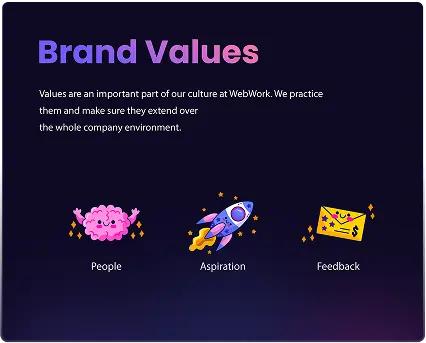
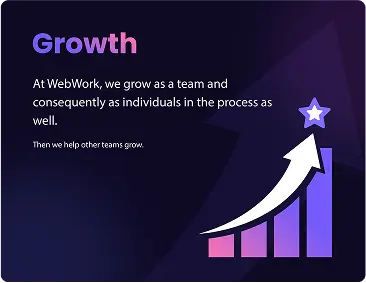
By using WebWork brand assets and marks you agree to our Terms of Service and Privacy Policy. Meanwhile, WebWork reserves the right to cancel or change the permissions in those guidelines at any time. For more information, contact us at [email protected]
View the PDFProduct Screenshots
Get screenshots of WebWork Time Tracker, including those of the interface, dashboard, desktop, web, extension, and mobile apps.
View in Drive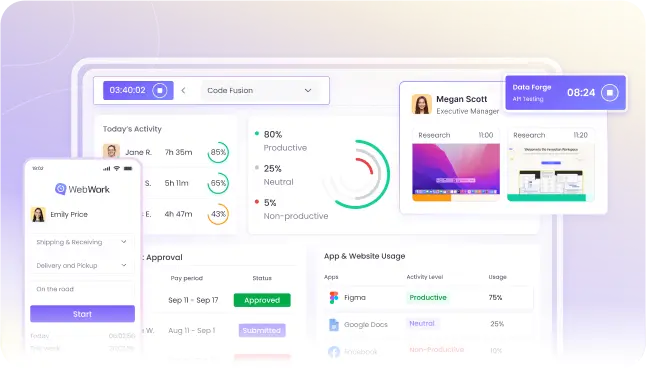
WebWork in the Press

At WebWork AI, our system doesn’t just monitor data — it acts as an assistant, analyzing massive datasets and surfacing the insights that truly matter.
Vahagn Sargsyan, Founder and CEO at WebWork

WebWork Time Tracker fits the needs of almost anyone, from freelancers to large enterprises.

WebWork Time Tracker fits the needs of almost anyone, from freelancers to large enterprises.

Since remote work is here to stay, monitoring employee performance has become the biggest problem for businesses. But it doesn’t have to be with WebWork Time Tracker.
What information does WebWork track?
WebWork tracks time, app and web usage, the number of mouse clicks, scrolls, keystrokes, and can take screenshots.
Does WebWork track location?
Yes. The Mobile App tracks geolocation if the necessary permissions are given.
How exactly does WebWork improve employee productivity?
WebWork Time Tracker enhances employee productivity by providing detailed insights into work patterns and time allocation. It monitors how much time employees spend on different tasks, enabling you to identify areas where efficiency can be increased. It also offers distraction alerts, helping employees maintain focus on work-related activities. Additionally, its comprehensive reporting features allow for better project and finance management and resource allocation, further boosting productivity.
Does WebWork Time Tracker ensure the privacy of its users and the data it tracks?
WebWork Time Tracker enhances employee productivity by providing detailed insights into work patterns and time allocation. It monitors how much time employees spend on different tasks, enabling you to identify areas where efficiency can be increased. It also offers distraction alerts, helping employees maintain focus on work-related activities. Additionally, its comprehensive reporting features allow for better project and finance management and resource allocation, further boosting productivity.
Can the employer track their employees’ time without informing them?
No. In order to track time, the employees must be informed and sign in to the tracker themselves. WebWork does not support tracking someone else’s time and other data without their knowledge and permission.
Which operating systems does WebWork support?
WebWork Time Tracker supports Windows, macOS, Linux, iOS, and Android.
How much does WebWork cost?
WebWork has a 14-day free trial followed by three plans, with Pro starting at $4.99 per user/month. Learn more about pricing here.